
How we got consistent hero images for the Flow Myna blog
Define a system rather than a style
Our blog needed hero images. Not stock photos, not screenshots, not the AI-generated purple-and-blue gradient blobs that many SaaS companies seem to default to. Something with a consistent visual identity but that still varied enough to not look like the same picture recycled across every post.
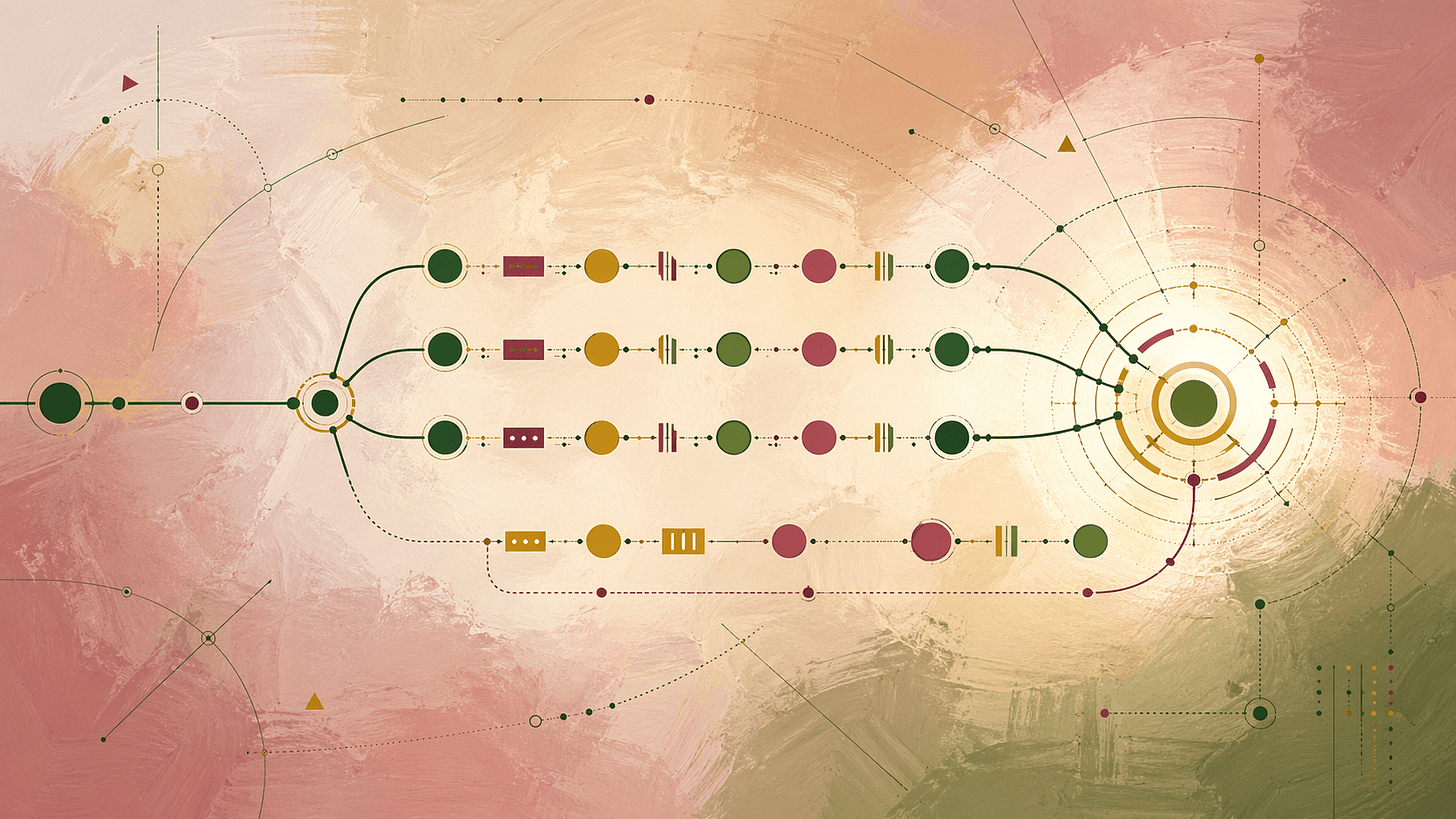
I tried three different image generators, went through dozens of prompts, and eventually landed on a system that works. The whole process took about a day of back-and-forth with Claude and ChatGPT’s image generation. Here’s what happened.
The problem
Flow Myna has around a dozen blog posts covering different aspects of process mining. Each one needs a 16:9 hero image. Before this, we’d been using a mix of ChatGPT, Midjourney, and Google's Nano Banana, and the results looked exactly like what they were: images from three different tools with three different aesthetics, generated at different times with different prompts. No coherence at all.
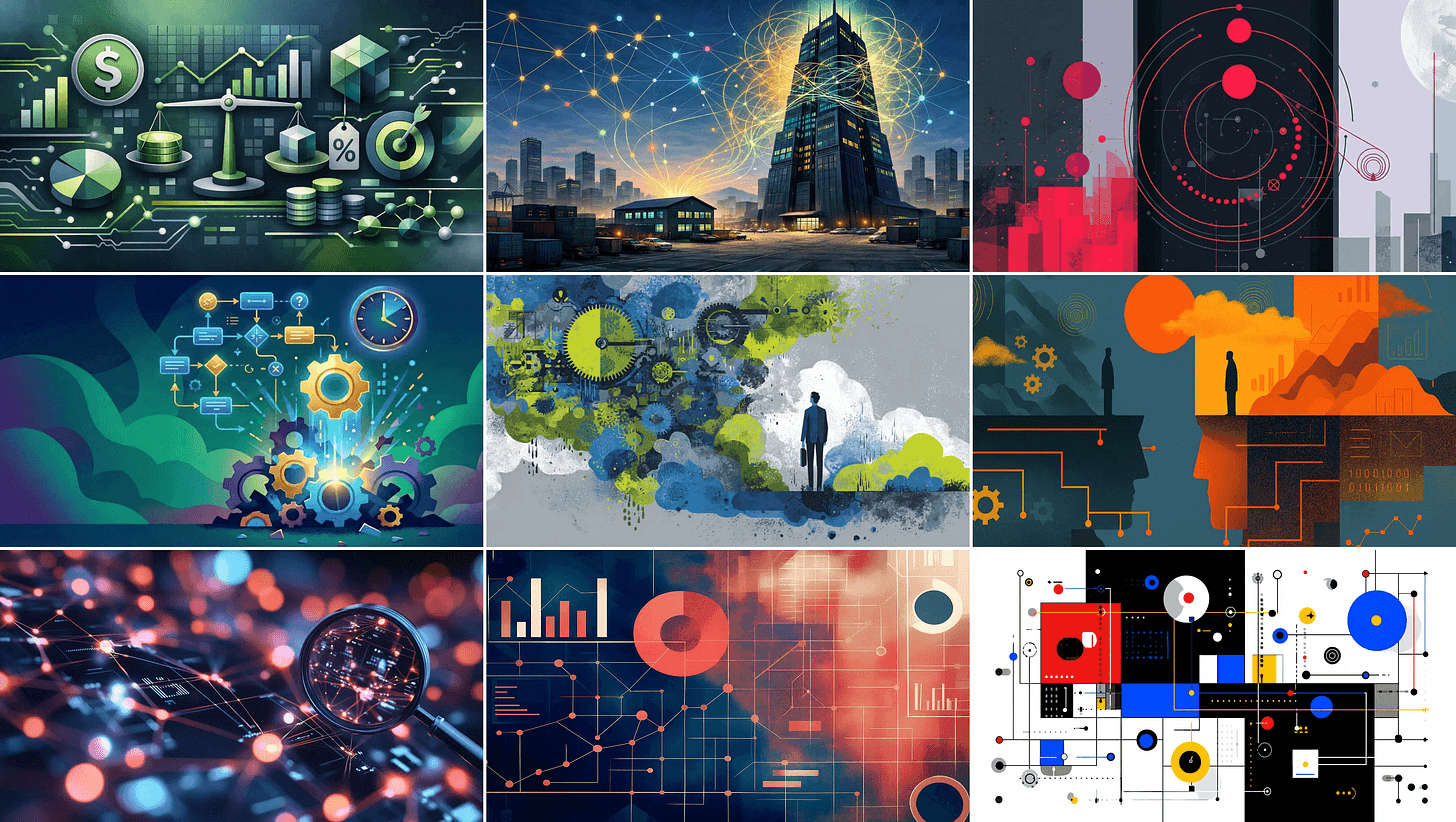
Bronwyn would spend a few hours writing an article and another hour trying to generate a reasonable hero image. We don’t have that kind of time to burn while building a startup, so we needed a system we didn’t have to think about too hard that still gave good results.
With OpenAI’s latest image generation model, we thought it was worth another shot at getting this right.
Where I started
My first attempt was a detailed prompt describing a specific visual style. Think Edward Tufte meets a 1960s science journal cover, with a locked colour palette of indigo, cream, and amber. Claude helped draft it. It was well-written and technically sound.
The images it produced were fine. But they were also basically the same image every time. The prompt was so prescriptive about the visual treatment that the article text barely influenced the output. Paste in an article about pricing, get a cream-and-indigo diagram. Paste in an article about factory floors, get a cream-and-indigo diagram.
The artist roster approach
Next idea: instead of one locked style, rotate through a roster of artists. Kandinsky for analytical pieces, Léger for manufacturing, Klee for philosophical articles, and so on. The prompt would read the article and pick the best-matching artist.
This produced more variation, but the model kept defaulting to the same two artists. Kandinsky won almost every time because most process mining articles are about connections, flows, and relationships, which is literally what Kandinsky painted. The roster was there in the prompt, but only two slots ever got used.
I tried forcing rotation, forcing randomisation, building a separate “recommender” prompt that would suggest three artists per article. Each fix added complexity without really solving the underlying problem: the model’s interpretation of “best match” was too narrow.
The O'Keeffe detour
I really liked Georgia O’Keeffe’s colour palette. The Lake George paintings, the Red Canna flowers. Rich, saturated, confident. We tried blending O’Keeffe’s painterly warmth with Kandinsky’s geometric precision and Precisionist architectural crispness.
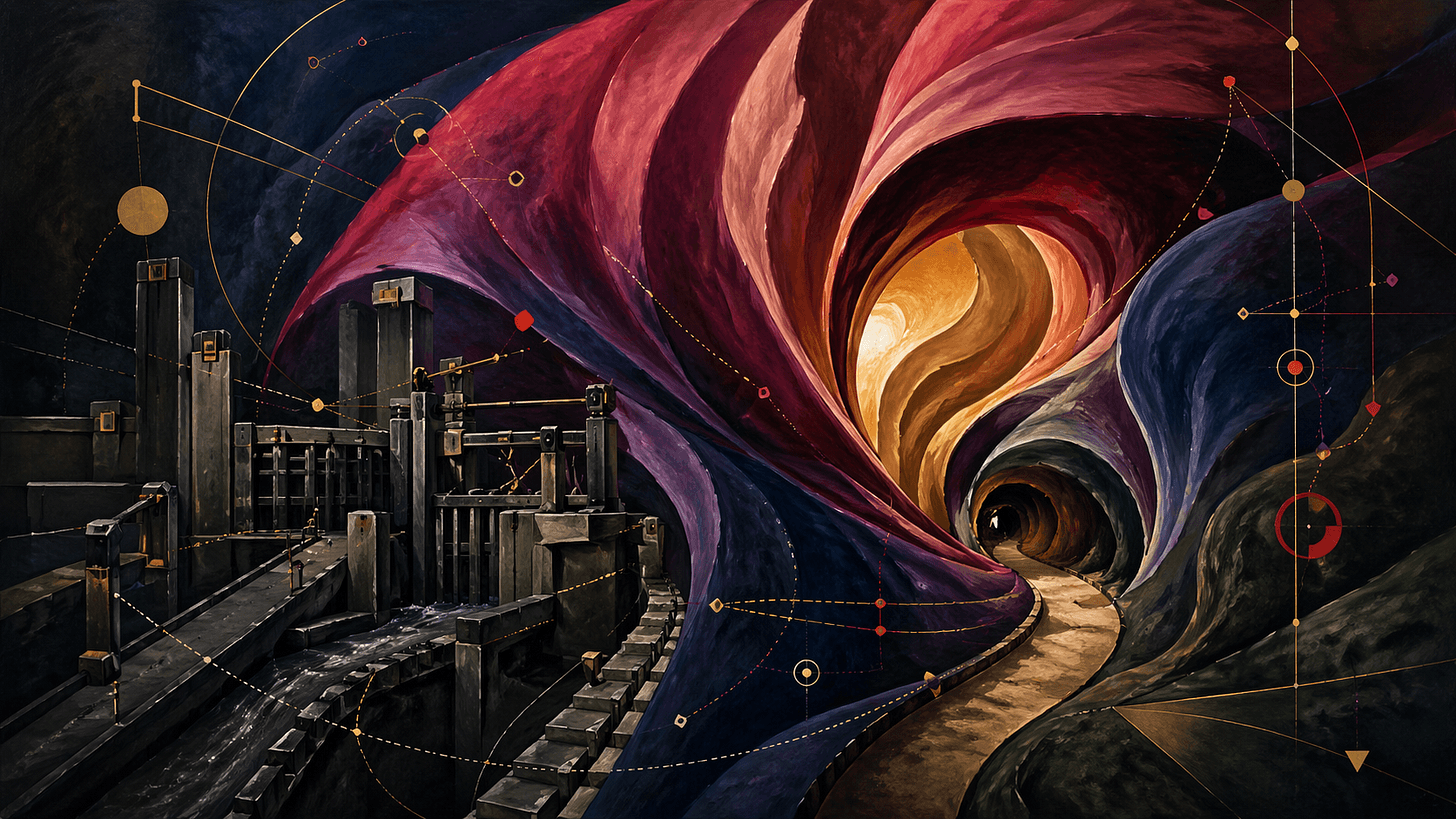
The results were beautiful but dark. The prompt had pulled hex values from O’Keeffe’s moodier landscapes, and every image came out looking like a night scene. They were also too similar to each other again because the three-artist blend was effectively one very specific style.
What ended up working: defining our own visual system
The breakthrough was different. Instead of referencing other artists, we defined a visual grammar from scratch. Not “in the style of Kandinsky” but “here is a system of shapes, layers, and colours that produces abstract images.”
The system has three layers:
- A painted ground. Large soft colour planes with visible brushwork, providing atmosphere and depth. This is where the mood lives.
- A geometric subject. Crisp hard-edged shapes (circles, triangles, rectangles, arcs, dotted trajectories) sitting on top of the painted ground. This is the focal structure derived from the article’s core argument.
- A line network. Fine connecting lines threading through the geometry, adding movement and analytical rhythm.
The contrast between the painterly background and the precise geometry turned out to be the signature. It’s what makes these images look like they belong together without looking identical.
The prompt reads the article text, extracts the core argument, translates it into a visual metaphor, then renders that metaphor using the geometric vocabulary. A pricing article becomes a balance with weighted circles. A factory floor article becomes parallel processing paths. A transformation piece shows directional change.
Here's the full prompt:
You are generating a 16:9 editorial hero illustration for Flow Myna, a
process mining company. The visual language is original to Flow Myna
and not in the style of any specific artist. It is a defined system of
geometric abstraction with painterly depth. Read the article between
the <article> tags, derive the subject, then render it within the system
described below.

STEP 1: DERIVE THE SUBJECT

a) The article's core argument in one sentence.
b) A single visual metaphor that captures that argument, earned by this
   article. Do not reuse metaphors from previous generations.
c) A one-paragraph scene description. This IS the subject.

STEP 2: APPLY THE FLOW MYNA VISUAL SYSTEM

The system has three layers. Every image contains all three, combined
differently each time.

LAYER 1: THE PAINTED GROUND (atmosphere and depth)
The background is a painted field of large, soft, tonally-modulated
colour planes. These planes are big, simple, and confident... usually
2 to 4 of them, dividing the canvas into broad zones. They have visible
oil-painterly brushwork and subtle gradients within each plane (not flat,
not dramatic... just enough modulation to feel painted rather than
printed). Edges between planes are soft and overlapping, never crisp.
This layer carries mood and depth.

LAYER 2: THE GEOMETRIC SUBJECT (the focal structure)
On top of the painted ground, a composition of crisp hard-edged
geometric forms. These are the subject. The vocabulary is: circles
(filled, outlined, or concentric), triangles (equilateral and
isosceles), rectangles and squares (filled or outlined), thin straight
lines (solid or dashed), arcs and segments of arcs, dotted trajectories.
Forms are flat and saturated, with no internal modelling, just confident
shape. Forms can overlap, with the overlap zone showing through as a
new colour mix or as a third shape. This layer is sharply defined,
unambiguous, almost technical-drawing precise.

LAYER 3: THE LINE NETWORK (rhythm and movement)
Threading through the geometric subject, a network of fine connecting
lines. These can be: dashed trajectories, solid arcs, dotted paths with
small circular nodes at intervals, thin diagonal rules. The line network
gives the image a sense of movement, flow, and analytical rhythm. It
should be dense enough to add energy, sparse enough not to obscure the
geometric subject.

CHOOSING THE SUBJECT'S FORM
The Step 1 metaphor is rendered in the geometric vocabulary of Layer 2.
A balance becomes a horizontal line with weighted circles at each end.
A network becomes nodes and connecting paths. A landscape becomes
horizontal bands with triangular peaks. A flow becomes curved arcs with
directional dashed lines. Whatever the metaphor, translate it into the
shape vocabulary above. Do not paint it literally.

PALETTE (saturated, warm-leaning, vibrant, never moody)
Pick 4 to 6 colours per image from this palette. Use them confidently
and at full saturation. These are not muted tones.
- Cream ground: #F2E6C8
- Warm ochre: #D9A441
- Cadmium yellow: #F2C849
- Coral red: #E04E3E
- Crimson: #B82E3A
- Deep cobalt: #2A4D8F
- Sky blue: #6FA8D6
- Forest green: #2F5A3E
- Emerald: #3FA572
- Soft rose: #E89AA5
- Plum: #6B3A6B
- Charcoal: #1B1B1B

The painted ground (Layer 1) typically uses the warmer, lower-saturation
end of the palette: cream, ochre, rose, plum. The geometric subject
(Layer 2) typically uses the higher-saturation accents: cobalt,
crimson, cadmium yellow, emerald. The line network (Layer 3) uses
charcoal, with occasional accents in cobalt or crimson.

The image must have a clear luminous focal area... somewhere in the
composition, light catches. Avoid painting the entire image in low-key
tones.

VARIATION LEVERS (these change between images, so the system produces
different images for different articles)
- The ratio of painted ground to geometric subject can shift: sometimes
  the painted layer dominates and the geometry is delicate over it;
  sometimes the geometry is bold and the painted ground recedes
- The geometric vocabulary can lean in different directions: one image
  might be circles-and-arcs heavy; another might be triangles-and-lines
  heavy; another might be rectangles-and-grids heavy
- The line network can be sparse and quiet or dense and busy
- The palette can lean warm (ochre, coral, crimson, rose) or cool
  (cobalt, emerald, plum) depending on the article's mood
- The composition can be anchored bottom-heavy, top-heavy, off to one
  side, or radiating from a single point

For each image, pick a different combination of these levers based on
what serves the Step 1 subject best. Two images for two different
articles should not look like minor variants of each other.

COMPOSITION
- 16:9 horizontal
- Asymmetric, with one off-centre focal point
- Generous overlap between layers
- Real negative space. Do not fill every corner

FIXED RULES
- No text, letters, or numbers
- No literal laptops, monitors, desks, phones, faces, or office scenes
- No photorealism, no 3D rendering, no cartoon styling
- No childlike or naive forms. The geometry must be precise and the
  paint must be confident
- The painted ground has visible brushwork; the geometric forms have
  hard clean edges. This contrast is the signature.

<article>
[PASTE FULL ARTICLE TITLE AND TEXT HERE]
</article>
Adding colour variation
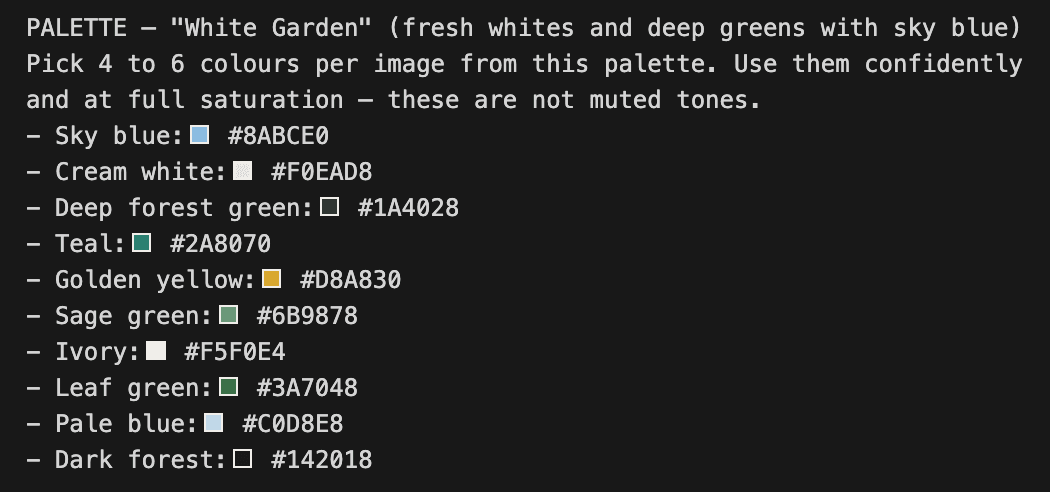
The original palette was warm-leaning, which meant the images were beautiful but similar in feel. We pulled colour palettes from a set of Georgia O’Keeffe paintings (the original inspiration for the vibrant, confident colours we wanted) and created twelve alternative palette variants of the same prompt. Each one swaps out the colour section while keeping everything else identical.
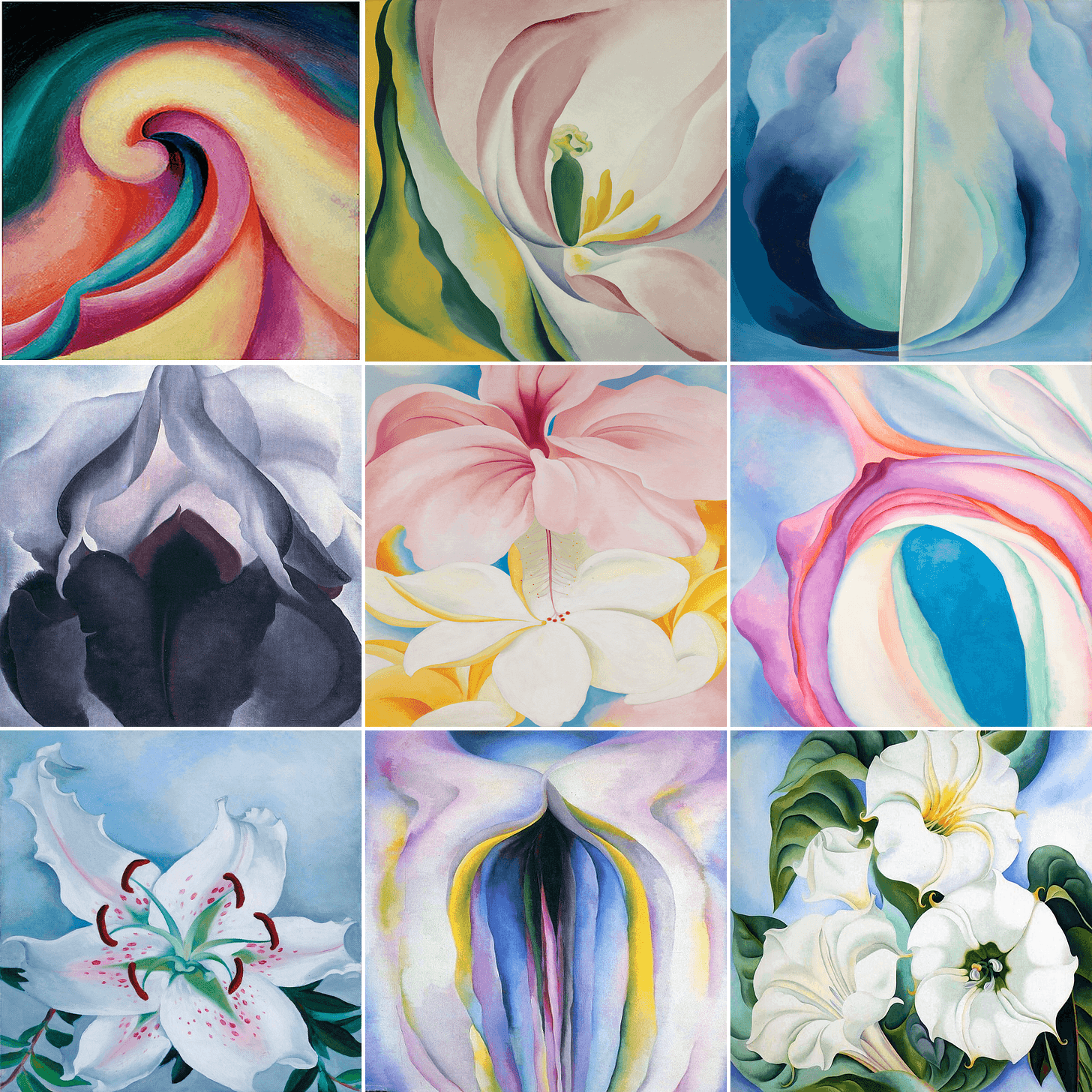
Each image above gives us a palette, and each palette gets its own prompt variant. Here's the one from the bottom-right image:
So now the workflow is: pick a palette that suits the article’s mood (something warm like “sunset wave” for an energetic piece, something cool like “iris violet” for something more analytical), paste in the article, generate.
The results
Here’s what came out across nine different articles, each with a unique palette:
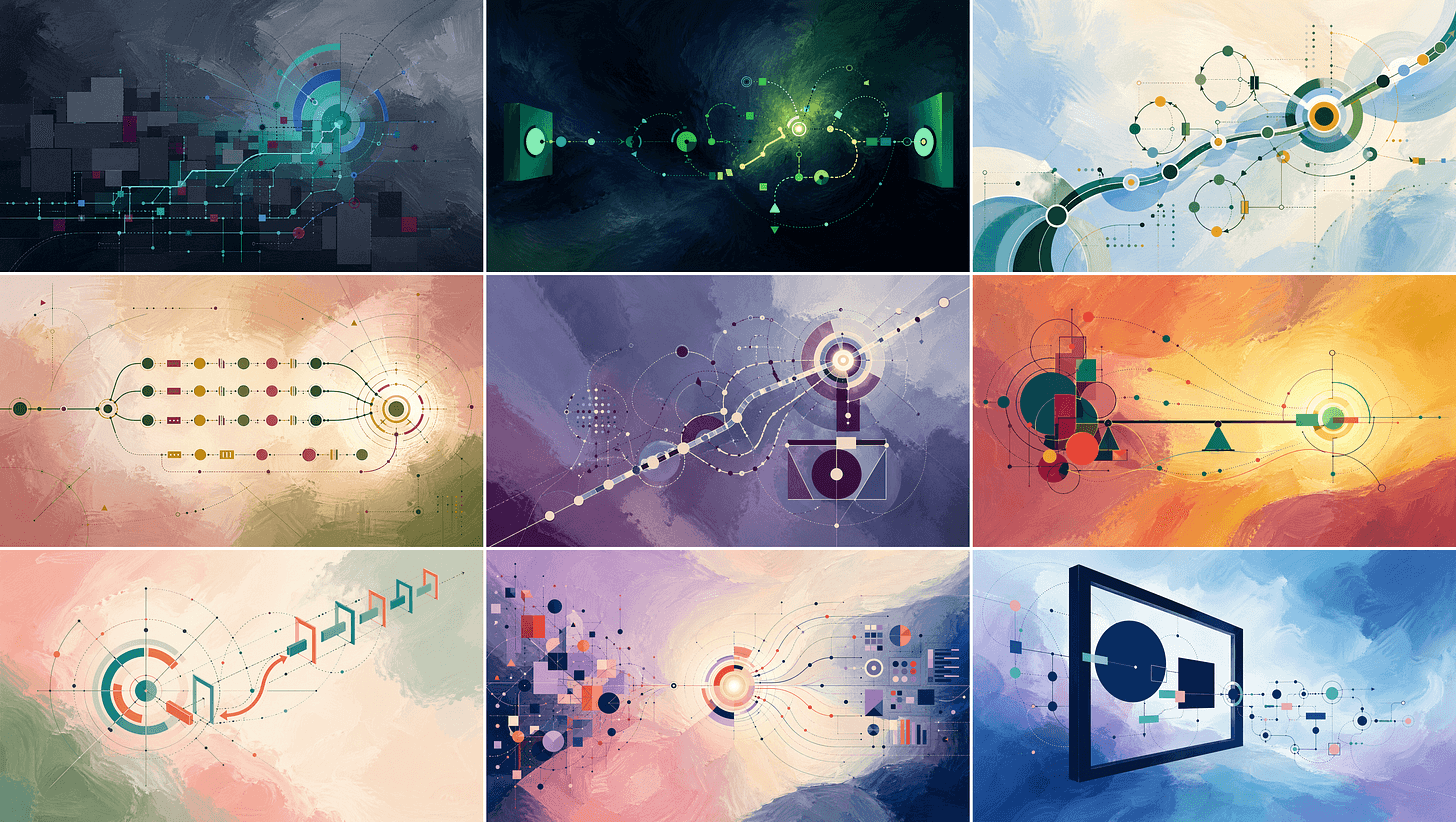
The factory floor article picked up on parallel processing and rendered it as horizontal bands of connected nodes flowing between two endpoints. The pricing article found the balance metaphor on its own and produced a weighted scale with geometric shapes on each side. The transformation article showed directional change through progressive arrows.
Each image reads the article and translates its argument into abstract geometry. The visual system stays consistent (you can tell these are from the same series) but the content, colour, and composition vary enough that no two look too similar. It’s been interesting to see what forms come out of the concepts in each article. Sometimes the metaphor can be subtle and challenging to find.
One step too far
The twelve-prompts setup worked, but I wondered if I could do better. The form elements and the colour elements were coupled in each prompt, but nothing in the system required that coupling. In principle you should be able to vary form and colour independently and still get a coherent image. I wanted to test that.
So I tried to be cleverer about it. I split the prompt into two parts. One file held variants of the form elements (which shapes dominate, how dense the line network is, where the composition anchors). Another held variants of the style and palette. A small script would pick one option from each at run time, stitch them into a complete prompt, and copy the result to the clipboard ready to paste.
On paper this was better. Two small files of variants combining into many possible prompts, and form and colour genuinely decoupled.
In practice the forms ended up too basic. Once I’d isolated them from the palette and tried to describe each one cleanly enough to be swappable, they lost a lot of the specificity that made the full prompt work. The combinations came out looking too similar to each other because the form descriptions had been flattened to the point where they weren’t really varying much.
So we threw it away and went back to the twelve standalone prompts. More duplication, but each prompt keeps all its detail and the outputs actually vary.
If we get bored of the form aspect of the current setup, this approach is worth revisiting with more effort put into the form descriptions. For now it’s not worth it.
You could argue the same scripting approach would work with the twelve-palette version, pulling the palette block out into its own file and stitching it in at run time. That would cut the duplication without flattening the forms. Fair point, but it adds a build step and another moving piece for what is fundamentally just twelve prompts. Coding agents handle duplication pretty well these days, so the cost of keeping twelve near-identical files in sync is lower than it used to be. Not zero, but low enough that I’d rather have twelve readable prompts I can eyeball than a clever pipeline I have to debug when something goes wrong.
Try it yourself
If you’re building a blog and want consistent hero images without paying for illustration, it’s worth spending an afternoon on something like this. Define a system rather than a style. Lock the palette with hex values. Let the article text drive the content.
It’s not perfect. Some articles produce better metaphors than others, and you still might want to generate two or three options per post across different palette prompts and pick the best one. But compared to the scattered mess we had before, it’s a real improvement. You should see the new images up on our blog soon.
Let me know if you try something similar. I’d be curious what systems other people have landed on.
Enjoyed this post?
Subscribe to get notified when I publish something new, and unsubscribe at any time.
It's free - Substack adds a pledge button I can't turn off, but please don't use it. 😊
Subscribe on Substack